Optimizing CS2 Settings for Peak Performance
Counter-Strike 2 graphics configuration and gameplay settings are crucial for maximizing FPS and gaining a competitive edge in matches.
Counter-Strike 2 remains one of the most competitive first-person shooters available, demanding precise configuration to maximize performance. Whether newcomers or seasoned veterans, players benefit from understanding how to properly configure their game settings to achieve optimal frame rates and competitive advantages.
Graphics Configuration for Maximum FPS 🎮
The primary objective when configuring Counter-Strike 2 centers on achieving maximum frame rates rather than visual fidelity. Competitive gameplay demands smooth performance above all else, making strategic graphics adjustments essential.
For optimal performance, players should implement these core graphics settings:
| Setting | Recommended Value | Reason |
|---|---|---|
| Display Mode | Fullscreen | Reduces input lag |
| V-Sync | Off | Eliminates frame rate caps |
| MSAA | Off | Frees up GPU resources |
| Global Shadow Quality | Low | Significant FPS improvement |
| Model/Texture Detail | Low | Reduces rendering overhead |
| Shader Detail | Low | Minimal visual impact |
| AMD FSR | Disabled | Native resolution preferred |
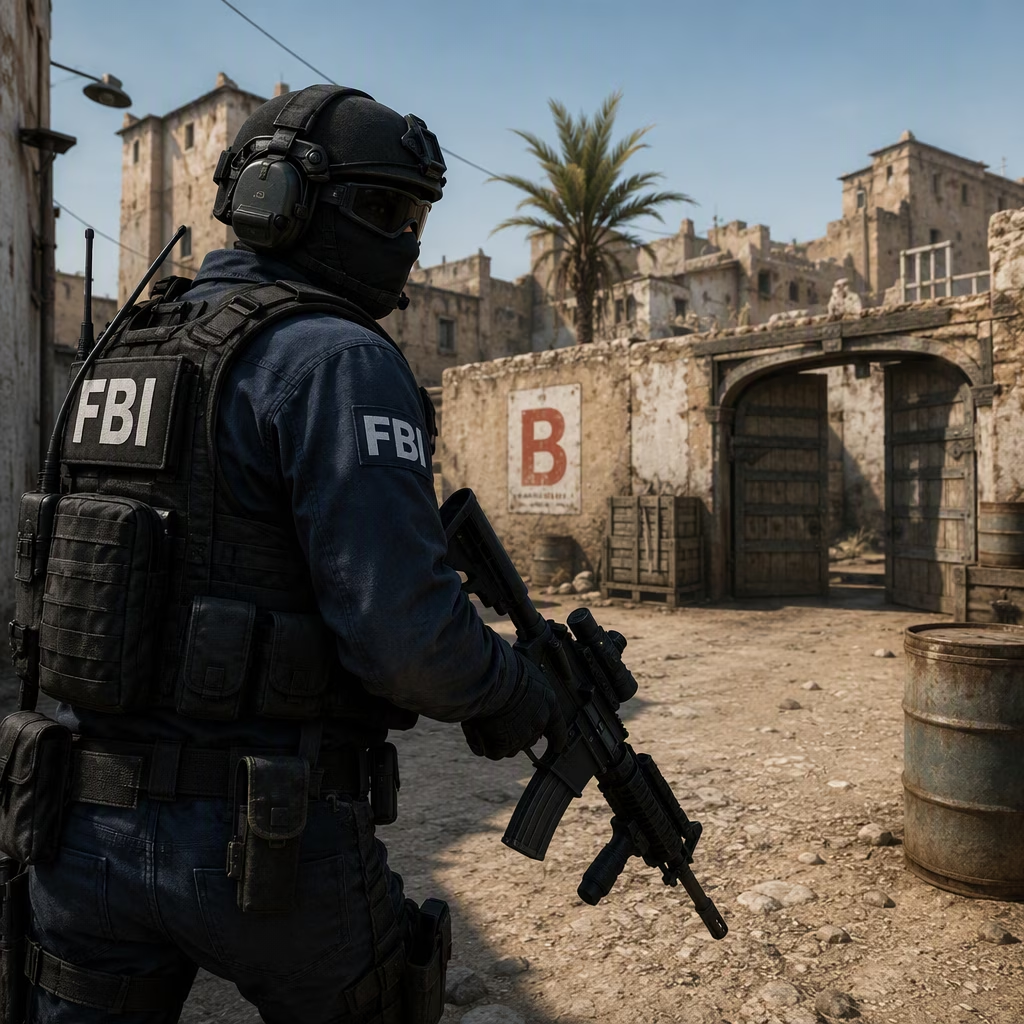
Resolution choices prove particularly important for competitive play. While higher resolutions provide sharper imagery, maintaining frame rates above 120fps takes priority. Players using standard gaming monitors should target 1080p resolution, allowing their systems to push frame rates well beyond their display's refresh rate. Testing on an RTX 4070 Super configuration demonstrated average frame rates of 210fps with minimum frame rates staying above 99fps using recommended settings.
Display Mode Selection
The choice between fullscreen and fullscreen windowed mode depends on system capabilities. When graphics cards struggle to maintain high frame rates at native resolution, fullscreen mode at 1080p proves superior to using FSR upscaling at higher resolutions. Conversely, systems capable of maintaining excellent frame rates at native resolution benefit from fullscreen windowed mode for easier multitasking.
Essential Gameplay Settings ⚙️
Beyond graphics, numerous gameplay settings significantly impact competitive performance. The console commands system enables advanced configurations, though several standard menu options deserve immediate attention.
Critical gameplay adjustments include:
-
Enabling teammate position display on HUD with location and equipment visibility
-
Activating color and letter identification for team communication
-
Setting maximum acceptable ping for matchmaking servers
-
Disabling silencer detachment on USP-S and M4A1-S weapons
-
Configuring server selection based on geographical proximity
The teammate positioning feature provides tactical advantages without cluttering the screen. Seeing equipment loadouts at a glance helps teams coordinate utility usage effectively. Color-based identification systems simplify callouts during intense moments when remembering player names becomes difficult.
Audio Configuration 🔊
Sound design in Counter-Strike 2 plays a crucial role in competitive success, though default settings generally serve players well. The game eschews match music, eliminating one common audio distraction found in other titles.
Recommended audio modifications focus on menu sounds:
-
Reduce all music sliders to zero
-
Set ten-second warning volume to 15%
-
Maintain default in-game audio levels
-
Consider using external audio software for enhanced positional audio
The ten-second warning specifically deserves attention. This audio cue alerts players to critical bomb defusal timing windows, enabling better decision-making under pressure. Since defusing requires minimum five seconds with a kit, this warning provides essential tactical information.
Control Bindings and Communication 🎹
Default keybindings in Counter-Strike 2 require substantial revision for competitive play. Standard layouts place utility grenades on distant number keys, forcing awkward hand movements during combat.
Recommended binding changes:
-
Assign flashbangs to easily accessible keys like Q
-
Bind smoke grenades to nearby keys
-
Map voice communication to convenient mouse buttons
-
Remove radio message bindings to prevent accidental activation
-
Configure weapon switching for fluid transitions
Voice communication binding particularly impacts team coordination. Placing this function on easily accessible mouse buttons allows seamless communication without interrupting movement or aiming. Clearing radio message commands prevents frustrating misclicks that could compromise positioning or timing.
Steam Deck Optimization 🎮
While not ideal for competitive matchmaking, Counter-Strike 2 functions adequately on Steam Deck for casual play. Achieving consistent 60fps requires specific setting adjustments:
-
Enable 2x MSAA for improved visual clarity
-
Maintain low settings for shadow, model, and particle details
-
Use Trilinear texture filtering
-
Disable ambient occlusion completely
-
Keep AMD FSR turned off
These configurations provide stable performance for deathmatch modes and casual gameplay. Players seeking competitive experiences on Steam Deck should consider connecting external peripherals and displays for optimal conditions.
Performance Monitoring Tools 📊
Tracking frame rates and performance metrics helps validate configuration effectiveness. Modern graphics cards include built-in monitoring solutions accessible through manufacturer software.
Nvidia users can access performance overlays through the Nvidia App using ALT + R. AMD users access similar functionality through Radeon overlay with CTRL + SHIFT + O. Third-party alternatives like CapFrameX provide manufacturer-agnostic monitoring solutions.
Handheld gaming devices typically include dedicated buttons for accessing quick menus containing performance monitoring options. These tools help identify performance bottlenecks and validate setting changes.
Storage Considerations 💾
Counter-Strike 2 functions on traditional hard drives without requiring solid-state storage. However, upgrading to SSD significantly reduces loading times between matches and map changes. Modern NVMe drives provide near-instantaneous loading, keeping players engaged and reducing downtime.
Testing Methodology 🔬
Professional testing environments provide reliable performance benchmarks. Reference systems utilizing Intel Core i7-11700F processors paired with RTX 4070 Super graphics cards running 32GB DDR4 memory demonstrate expected performance levels across various settings configurations.
Windows 11 64-bit serves as the standard operating system for testing purposes, representing typical gaming environments. Results from these standardized configurations help players gauge expected performance on similar hardware.
Preset Options
Counter-Strike 2 includes four built-in graphics presets: Low, Medium, High, and Very High. The game automatically recommends presets based on detected hardware capabilities, marked with asterisks in the settings menu.
Visual differences between Low and Very High presets prove noticeable in preview windows, yet competitive players typically favor performance over aesthetics. Starting with recommended presets provides baseline configurations that players can refine based on personal preferences and performance requirements.
Conclusion 🏆
Optimizing Counter-Strike 2 settings requires balancing visual quality against performance demands. Competitive success depends heavily on maintaining high frame rates, making graphics compromises worthwhile. Proper configuration of gameplay, audio, and control settings further enhances competitive capabilities.
Players should regularly revisit settings as hardware evolves and game updates introduce new options. The competitive landscape continuously shifts, and maintaining optimized configurations ensures players can focus on skill development rather than technical limitations. With proper settings established, players can concentrate on developing crosshair placement, movement mechanics, and tactical knowledge that separate casual players from competitive champions.