My Guide to CS2 Workshop Maps in 2026
CS2 Workshop finally makes custom maps easy to browse, subscribe to, and play—no manual files or console commands.
I’ve been a Counter-Strike fan for over a decade, so when Counter-Strike 2 (CS2) launched in 2023, I was thrilled—until I realized the beloved Steam Workshop, a staple of CS:GO’s custom content ecosystem, was missing. For nearly three years, I had to jump through clunky hoops to play custom maps: downloading files manually, shoving them into my local CS2 folder, and fumbling with console commands to load them. But in 2026, the wait is finally over, and the CS2 Workshop is fully live, making custom map access easier than ever before.
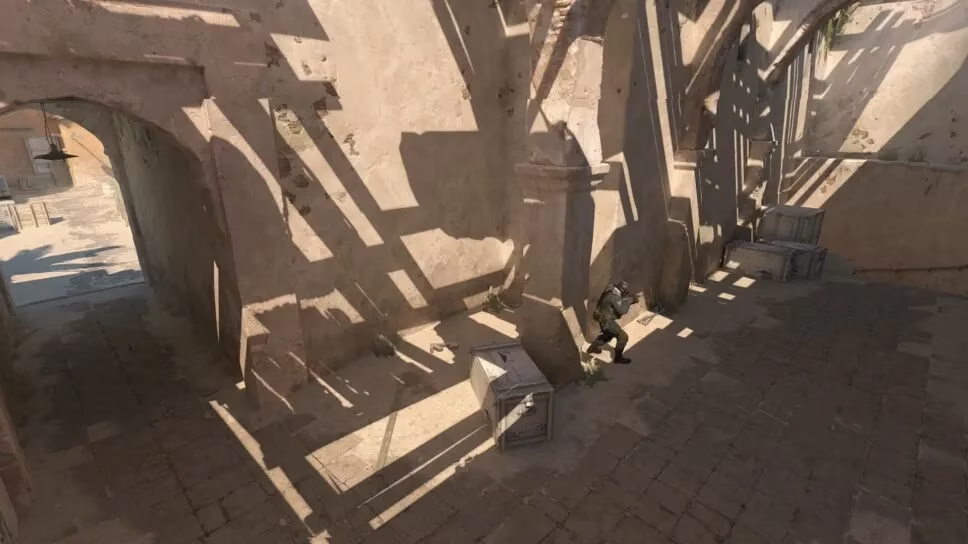
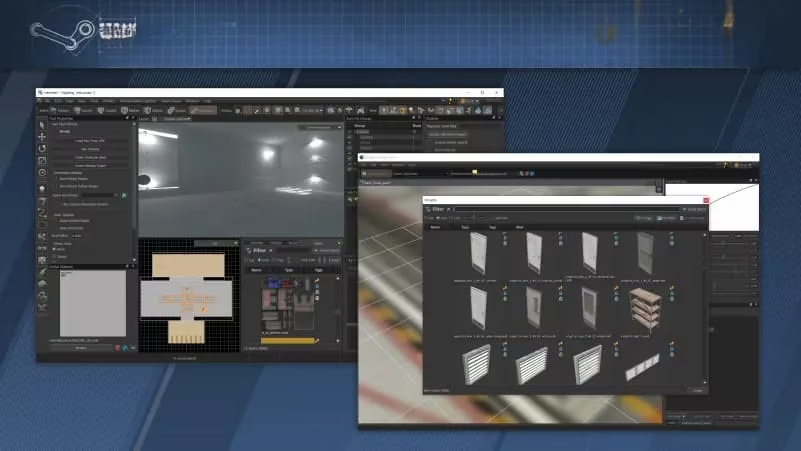
First, let’s get one critical detail out of the way: CS:GO workshop maps do not work in CS2. This isn’t a random oversight—it’s a result of CS2 running on the Source 2 engine, a massive upgrade from CS:GO’s older Source engine. The two engines use completely different file structures, so even the most popular CS:GO custom maps, like the classic surf_utopia or aim_map, can’t be loaded directly into CS2. But if you’re a creator who has a CS:GO map you want to bring to CS2, there’s a solution: Valve’s official Counter-Strike Workshop Tools. To install them, I simply went to my Steam library, right-clicked CS2, selected Properties, navigated to the Game Settings tab, and toggled the Workshop Tools option to Yes. The tools let me convert my old CS:GO map files to the Source 2 format, so I can share my creations with the CS2 community.
Before the official Workshop launched, playing custom maps in CS2 was a hassle. I’d spend hours searching for map files on third-party sites, worrying about malware or corrupted downloads, then manually placing the files in the correct local folder path (usually something like Steam\steamapps\common\Counter-Strike 2\game\csgo\maps). Even after that, I had to remember the exact console command to load the map, which was easy to mess up if I misspelled the file name. Now, all that frustration is gone. The official Workshop streamlines the entire process, and I’ve broken down the steps I use to access custom maps in just a few minutes:
-
Open Steam and navigate to the Counter-Strike 2 store page
-
Scroll down past the game’s description and system requirements to find the box with basic game info (title, genre, developer)
-
Under that box, click the Visit the Workshop link
-
Hover over the Browse dropdown menu at the top of the Workshop page and select Maps
-
Use the search bar to look for specific maps (like surf maps, aim training maps, or fun minigame maps) or adjust the Sort by filter to find trending, top-rated, or newest maps
-
Hover over any map’s preview icon and click the green plus sign to subscribe—this automatically downloads the map to my CS2 files
-
To play the map, I can either join a community server hosting it or go to CS2’s Play menu, select Workshop Maps, and load it up even when I’m offline
One of my favorite parts of the CS2 Workshop is the variety of maps available now that creators have had time to adapt their work to Source 2. I’ve spent hours on updated surf maps that take advantage of CS2’s smoother movement mechanics, aim training maps that let me practice headshots with the game’s new weapon recoil patterns, and even silly minigame maps like prop hunt variants that feel fresh and polished. The community has also been quick to flag low-quality or broken maps, so the top-rated content is consistently fun and well-made.
If you’re new to CS2 or haven’t tried custom maps in years, there’s one small thing to note: console commands are still available in CS2, but you have to enable them first. I did this by going to CS2’s settings, selecting the Game tab, and toggling the Enable Developer Console option to Yes. While I rarely need the console now for custom maps, it’s still useful for adjusting graphics settings or troubleshooting small issues.
As someone who’s followed Counter-Strike esports and casual play for years, the launch of the CS2 Workshop feels like the final piece of the puzzle for the game. It brings back the creative, community-driven spirit that made CS:GO so special, and it makes CS2 feel more alive and customizable than ever. Whether you’re looking to improve your aim, try a new game mode, or just have fun with friends, the CS2 Workshop has something for everyone—and it’s only going to get better as more creators share their work.